UI/UX Design
We design website and app interfaces based on how real users actually navigate, not just how a layout looks in a static mockup.

UI/UX design is the practice of designing how a website or application looks (UI, user interface) and how it actually functions for the person using it (UX, user experience), covering everything from wireframes and user flows to final visual screens and interactive prototypes. Good UI/UX design isn't about making something look impressive in a screenshot; it's about making the path from landing on a page to completing whatever that page is for as short and obvious as possible, which is why it directly affects conversion rates far more than most businesses expect.
What's included
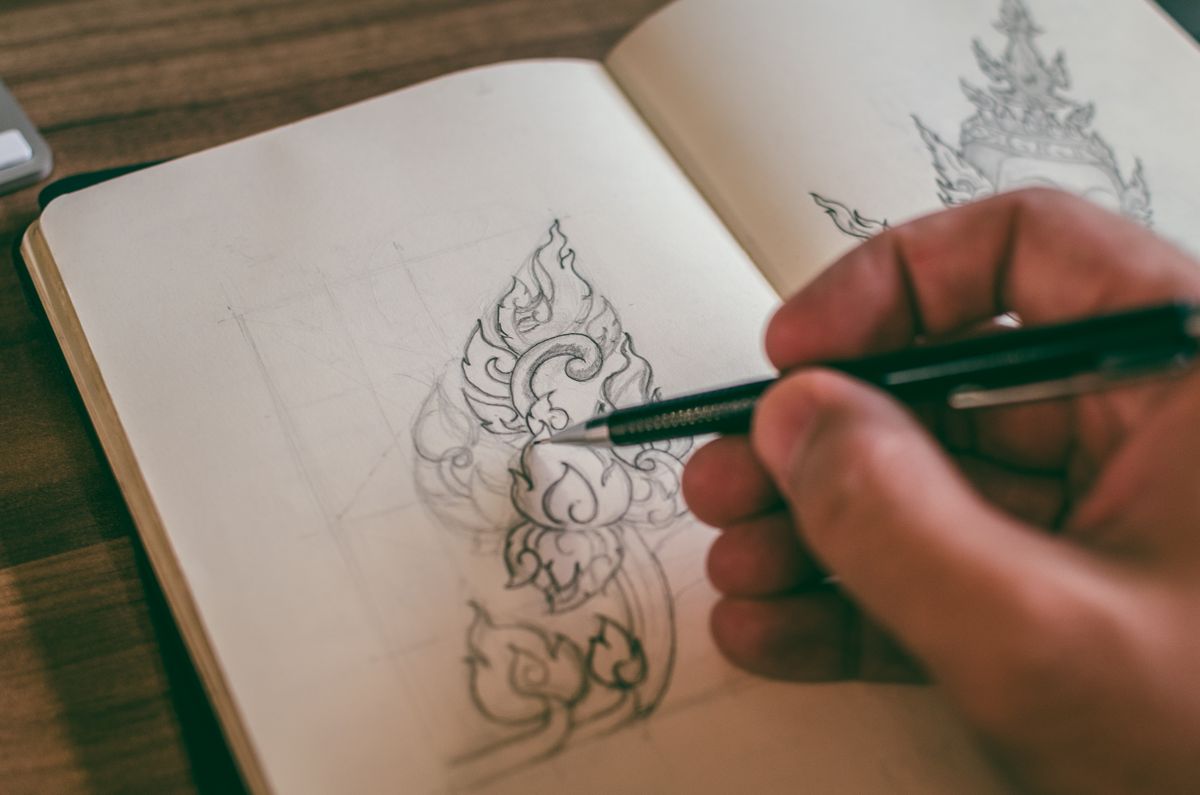
We deliver user research and competitor analysis, information architecture and sitemaps, low-fidelity wireframes, high-fidelity visual designs, interactive clickable prototypes, a responsive design system for mobile and desktop that stays consistent as new pages get added later, and usability testing feedback incorporated before handoff to development. For existing sites and apps, we also do UX audits that identify exactly where users are dropping off or getting confused, using whatever analytics or session data already exists.
Our process for UI/UX design
We start with research: understanding your users, your competitors, and what the business goal of each key page or screen actually is, since a signup flow and a content page need completely different design priorities. Next, we build information architecture and sitemaps so navigation makes sense before any visual design starts, because reorganizing navigation after visual design is locked in is far more expensive than getting it right first. Third, we wireframe key screens in low fidelity, deliberately leaving color and polish out of this stage so structural decisions get evaluated on their own merits rather than being swayed by how pretty something looks. Fourth, we design high-fidelity screens with full visual treatment, and build interactive prototypes so stakeholders can click through a near-real experience before a single line of code gets written. Fifth, we hand off organized design files and specs to development, with ongoing design QA during build to make sure what gets coded matches what was designed down to spacing and interaction states.
Common mistakes we see
The most common mistake is designing visually attractive screens before the underlying flow and information architecture are solid, which means polish gets applied to a structure that still needs rethinking, wasting design hours. Another frequent issue is skipping prototyping and going straight from static mockups to development, which means confusing interactions and awkward transitions only get discovered after a developer has already built them, when they're far more expensive to fix. We also see businesses design primarily for desktop and treat mobile as an afterthought, even though for most businesses the majority of real traffic now arrives on a phone.
Who this is for
This fits businesses building a new website or application where the user flow genuinely matters, bookings, applications, e-commerce, dashboards, or any multi-step process, and businesses with an existing site that has a known conversion or usability problem they can't quite diagnose. A travel agency whose multi-step booking form has a high drop-off rate, an education consultancy whose application flow confuses prospective students, and an insulation services company whose quote-request form gets abandoned halfway through are all realistic examples where dedicated UX work solves a real, measurable business problem.
Pricing and timeline expectations
Scope and pricing depend on the number of screens and flows involved; a small marketing site's design runs considerably less than a multi-flow application with dashboards and account areas. A small website's design, roughly 5 to 8 pages, typically takes 3 to 4 weeks from research through final high-fidelity screens, while larger applications with multiple user flows usually run 6 to 10 weeks, with stakeholder feedback rounds being the most common reason timelines extend.
Technology we use
We design in Figma for wireframes, high-fidelity screens, and interactive prototypes, which also lets stakeholders comment directly on designs without needing their own software license. For user flow mapping we use FigJam or Miro, and for usability testing feedback we review session recordings and heatmap tools like Hotjar when a live site already exists to test against.
Why choose Artful Web Designz for this
We design and build websites ourselves, so our UI/UX work is grounded in what's actually realistic to develop and maintain, not a beautiful prototype that becomes a nightmare to implement. We've designed booking and inquiry flows for travel agencies and application flows for an education consultancy, both cases where a confusing multi-step process directly costs leads, so we pay close attention to friction points most generic design agencies gloss over.

The best compliment a UI/UX design can get isn't "that looks nice," it's that nobody noticed the design at all because they got what they came for without friction.
A clear process from first call to launch
Discover
We learn your business, your customers and what success looks like for this project.
Plan & Design
We map the approach and design the solution before writing a line of production code.
Build
We develop in focused sprints, with regular check-ins so there are no surprises at the end.
Launch & Support
We ship, monitor, and stay on as a support partner — not a one-and-done vendor.
Common questions about this service
Related services
Branding & Logo Design
We design logos and brand identity systems built to work consistently across your website, packaging, signage, and social presence.
Graphic Design
We design the everyday marketing materials, social posts, brochures, packaging, and print pieces, that keep a brand looking consistent everywhere it appears.
Video Production & Ad Creatives
We produce short-form video, product footage, and ad creatives built specifically for how people actually watch on Instagram, YouTube, and paid feeds.
Let's build something great together
Tell us about your project and get a free, no-obligation quote within 24 hours.